

AI Agents
Read article →18 Years Old. 250 Million Views a Month. One Person—and AI
18 Years Old. 250 Million Views a Month. One Person—and AI. The New Creator Economy Is Starting to Look Very Different Imagine running a media company that reaches…
ALPHIRE connects AI intelligence, agents, automation, marketing systems and business opportunities—helping people move from learning about AI to putting it to work.
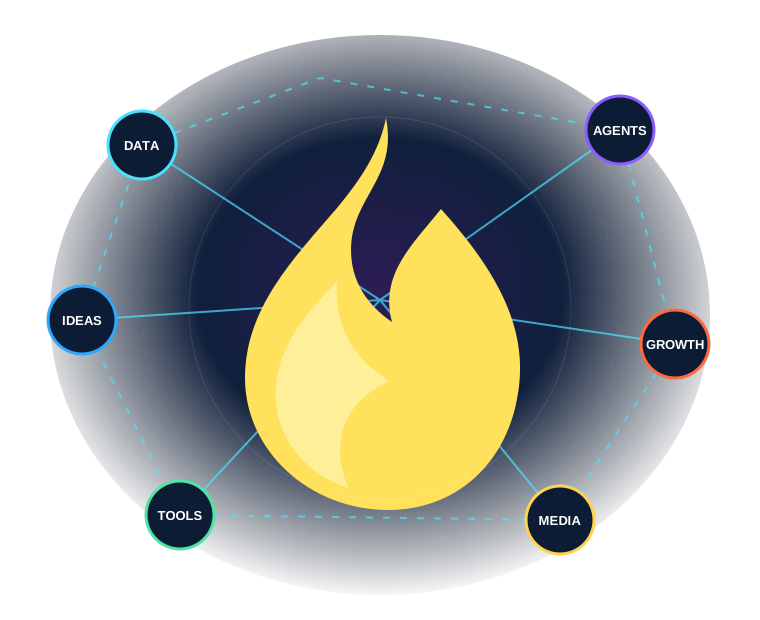
Use ALPHIRE as an intelligence source, a practical tool directory, an experimentation lab or an implementation partner.
Editorial insights, explainers and practical intelligence on the systems changing how we work.
Compare assistants, agent frameworks, app builders and workflow automation platforms.
Identify and rank the workflows that can create the greatest value inside your business.
Explore polls, games, quizzes, community systems and emerging DEO experiments.
Fresh ALPHIRE analysis with the context, tradeoffs and practical next steps that short news cycles leave out.
18 Years Old. 250 Million Views a Month. One Person—and AI. The New Creator Economy Is Starting to Look Very Different Imagine running a media company that reaches…
How I Turned Claude Into a Real-Time Stock & Crypto Analyst (Without a Bloomberg Terminal) For years, sophisticated market research came with a hefty price tag.…
Claude Fable Is Leaving Subscriptions: How to Keep Its Power Without Burning Your Budget Claude Fable has quickly become one of the most exciting AI models for…
Claude Fable 5 Is Back: How to Actually Use It for Maximum Leverage Claude Fable 5 is not just another model upgrade. For many AI users, it feels…
Google AI Studio’s Design Variations: How to Make AI-Built Apps Look and Work Better Building an app with artificial intelligence is becoming surprisingly easy.…
AI Agents Need Wallets: Why the Next Great Crypto Boom May Be Machine-to-Machine Finance For most people, the idea of a crypto wallet still feels strange. It sounds…
Start with the work. Choose the right model, knowledge, tools, permissions and human checkpoints for the outcome. ALPHIRE organizes the landscape so you can compare platforms by job rather than hype.

A strong system combines intelligence, automation, knowledge, interfaces and measurement.
General intelligence, research, multimodal work, coding and agent-assisted execution.
Long-form reasoning, documents, coding and context-heavy knowledge work.
Flexible workflows, integrations and reusable agentic automation.
An AI-native coding environment for building and maintaining software.
The Alphire AI Automation Audit examines your workflows, software and bottlenecks; ranks the opportunities by impact and feasibility; and delivers a practical 90-day roadmap.
Discover audiences, manage contacts, build pages, publish content, automate engagement and measure growth in one AI marketing and community operating system.
Question → Vote → Insight → Conversation → Reputation → Reward → Community.


